
 CVCX Viewer - Top: Compare
CVCX Viewer - Top: Compare
CVCX Viewer - Top: Compare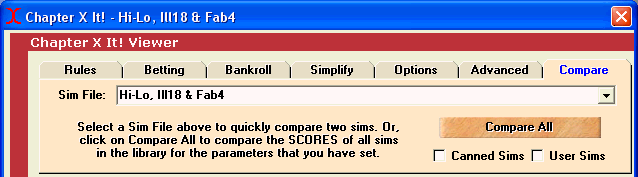
Let us skip ahead to the Compare Tab. This tab supports two functions:
Quick Compare - CVCX holds 2,000 sims in memory at once. That provides the ablity to switch quickly between rules, decks and penetration. But suppose you want to compare results with a different strategy, different indexes, methods of estimating decks or calculating true counts or use of side counts, etc.? This requires that you look at sims in other files. The Quick Compare feature allows you to instantly switch to another file of 2,000 sims. Since the results screen is still displayed in the lower portion of the screen, you can see the results instantly recalculated to the newly selected sim file.
Compare All - This feature provides the ability to look at all of the sims in all of the different strategy files at once for the current selection of rules, penetration, decks, bankroll, risk, spread, etc. A list of every strategy file and the resulting SCORE is displayed in order of SCORE.